
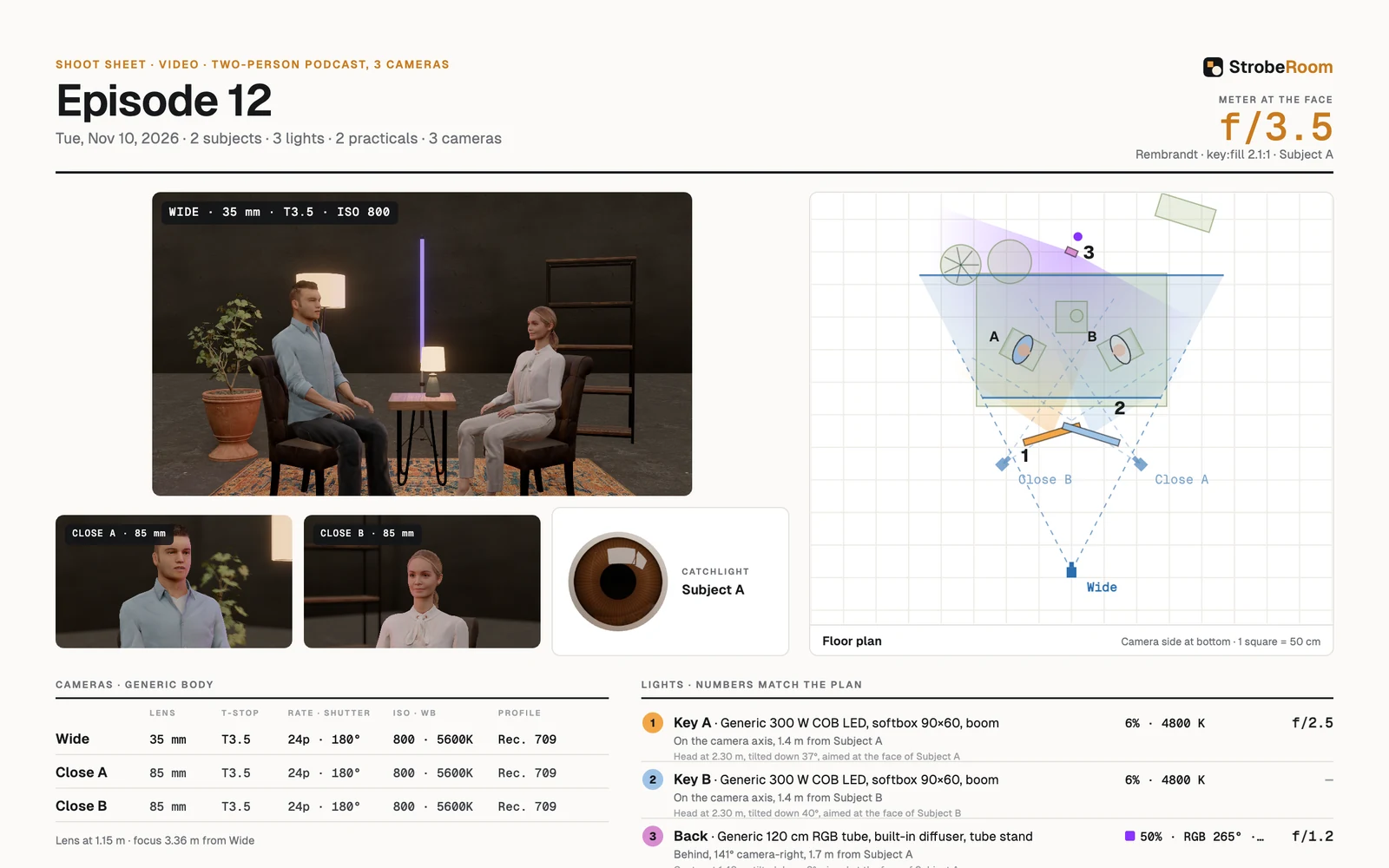
The shoot sheet is the part of StrobeRoom that goes on set, so it has to work at a glance on a phone or a printed page. In 1.9 we rebuilt it around the camera frame. The people, furniture and studio also get sharper textures.
Page 1: the frame first
We laid page 1 out like a call sheet, with the camera frames leading: what the shot looks like first, then where each light goes.
- The header carries the setup's name and date, and the meter reading at the face in large type, with the lighting pattern and key-to-fill ratio beside it.
- The camera frames come first: the main camera large, the other cameras beside it, plus a close-up of the catchlight.
- The floor plan numbers every light, and the same numbers appear in the light table, so a crew member can match the plan to the list without reading labels.
- The camera table gives each camera one row: lens, aperture or T-stop, frame rate and shutter, ISO and white balance, and picture profile.
- The light table gives each light its make and modifier, output and colour, placement in crew terms (angle from the camera, distance from the subject, head height and tilt) and the reading at the face.
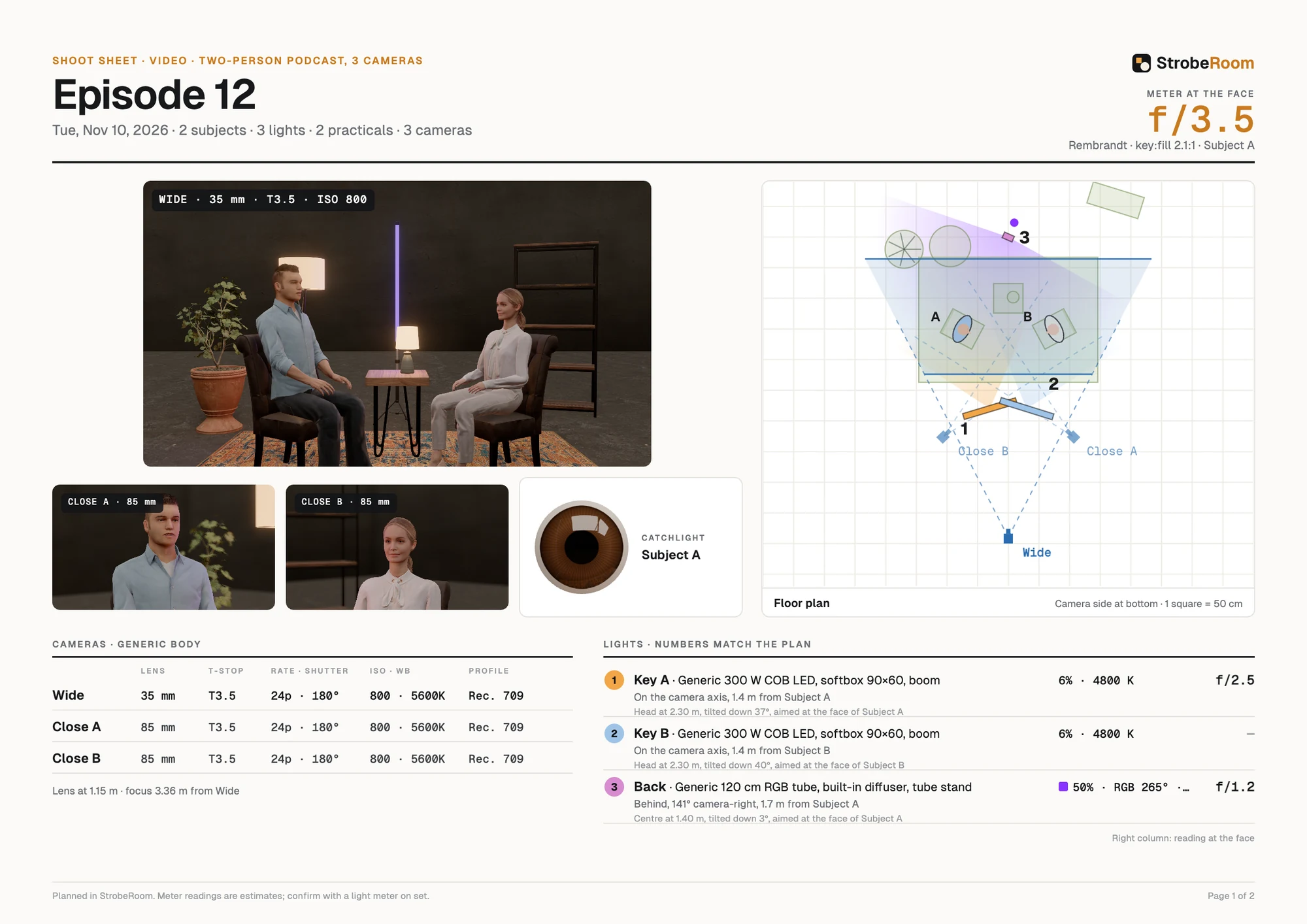
Page 2: build, gear and notes
Page 2 always prints. It holds the build order in the order a crew would rig it, the gear list with quantities, the set and furniture, a studio view with the light numbers on it, and ruled lines for notes on set. When a setup has several looks, you get a sheet for each look by name, or all of them together.
Sharper textures
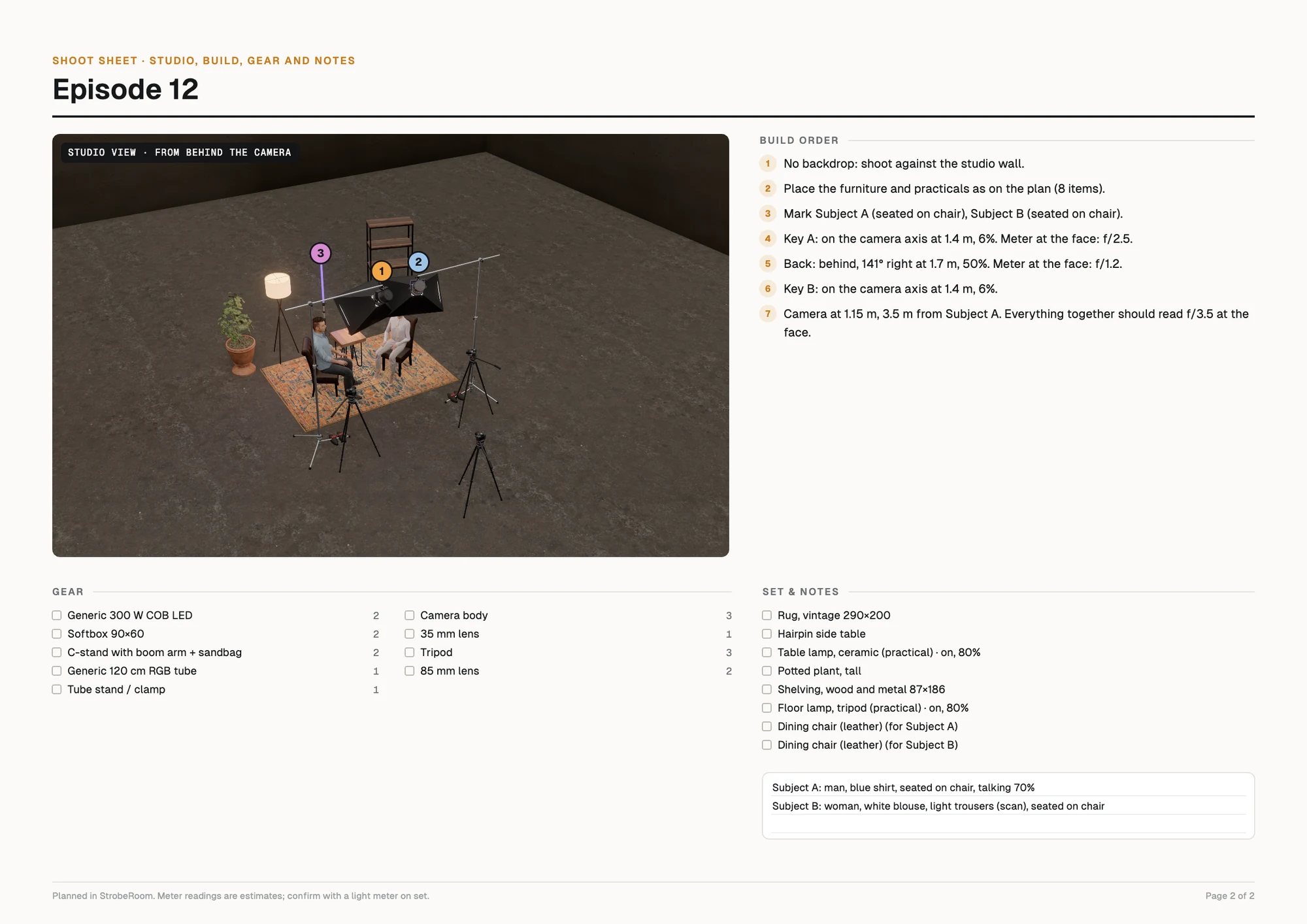
- People: skin, clothing and hair textures at the full resolution of their source files, fine pore detail on faces, and a glossy cornea on the eyes.
- Studio: the walls and floor are 4K scanned concrete.
- Furniture: 4K textures where the earlier ones looked soft, and a fine fabric, leather or rug texture that shows up close.
- The apartment set: the oak floor was stretched to about three times its real size. We put it at real scale, with a 4K texture, and fixed the rug's shading.
- Shadows are drawn at twice the detail.
All new textures come from scanned sources released for free use (Poly Haven, CC0) or from the models' own originals. We didn't upscale anything with AI. We tested it, and it smoothed away the weave of the fabric, which is exactly the detail that makes a texture look real.