Made by a photographer, for people who light people.
StrobeRoom is a 3D lighting and camera planner, built by a photographer and a 3D artist, and used to plan real shoots.
Most shoots still find the light on set.
Planning a lighting and camera setup shouldn't take expensive, complicated software or hours of guesswork.
Film crews arrive with a lighting plan. Most portrait, interview and podcast shoots arrive with a reference photo and a bag of lights, and work it out while the subject waits. StrobeRoom moves that work to before the shoot.
It was started by a photographer who knows how much goes into getting a shot right: where a light sits, which lens goes on, how the room's own light balances with the fixtures, and how it all comes together in camera.
So it works in the units you use on set: f-stops at the face, the lighting pattern, the key-to-fill ratio in stops, and the camera body and lens you'll bring. A 3D artist builds the rooms, so the sets you plan in look and light like real locations.
More room to practice, experiment and improve, not more complexity.
A photographer, and the artist who builds the sets.
StrobeRoom is a small, independent team. These are the people who build it.
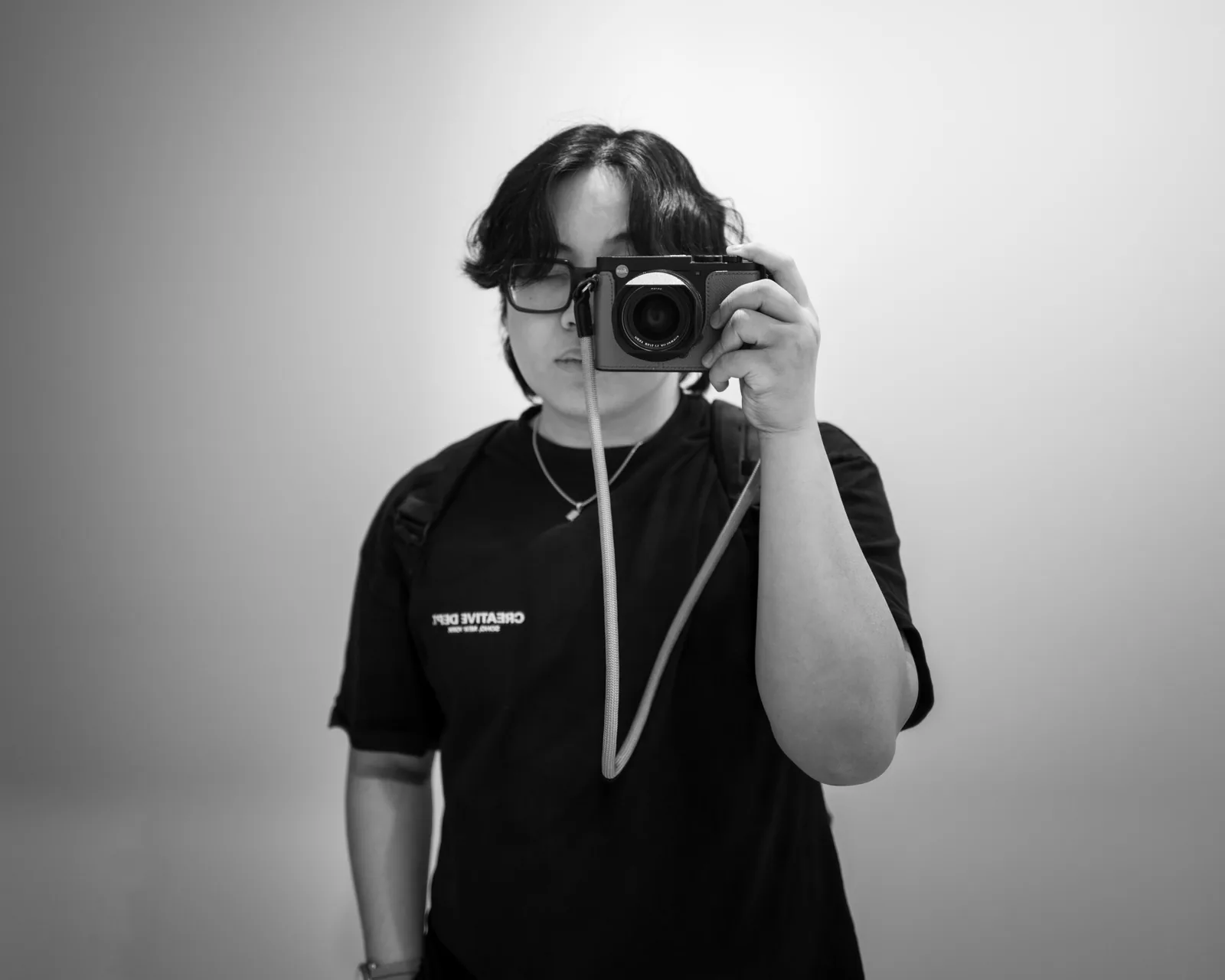
Tae Bounmy
Photographer
Tae started StrobeRoom to make lighting and camera planning easier to learn, practice and bring to set. Every feature starts from a question that comes up on real shoots: where the light goes, which lens to bring, and what the frame will look like before anyone sets up a stand.
See Tae's work
Quintaroz
Sets and environments
Quintaroz builds the 3D sets and environments you light in: rooms at real scale, with windows and lamps that work as light sources in the app. He built the brick loft apartment and the cafe, the first two sets. 3D models and props are next.
StrobeRoom's cast comes from Microsoft's Rocketbox avatar library (MIT) and Renderpeople's scanned people (CC BY 4.0), and its furniture, textures and window views from Poly Haven (CC0) and Amazon Berkeley Objects (CC BY 4.0). Full licences are in the app under Help › Credits & licences.
Help shape what comes next.
Beta testers get the first look and a direct line for feedback.